How to Win Limited Sneakers On Foot Locker App
Updated on •PublishedThis content may contain affiliate links. If you make a purchase through these links, we may earn a commission.
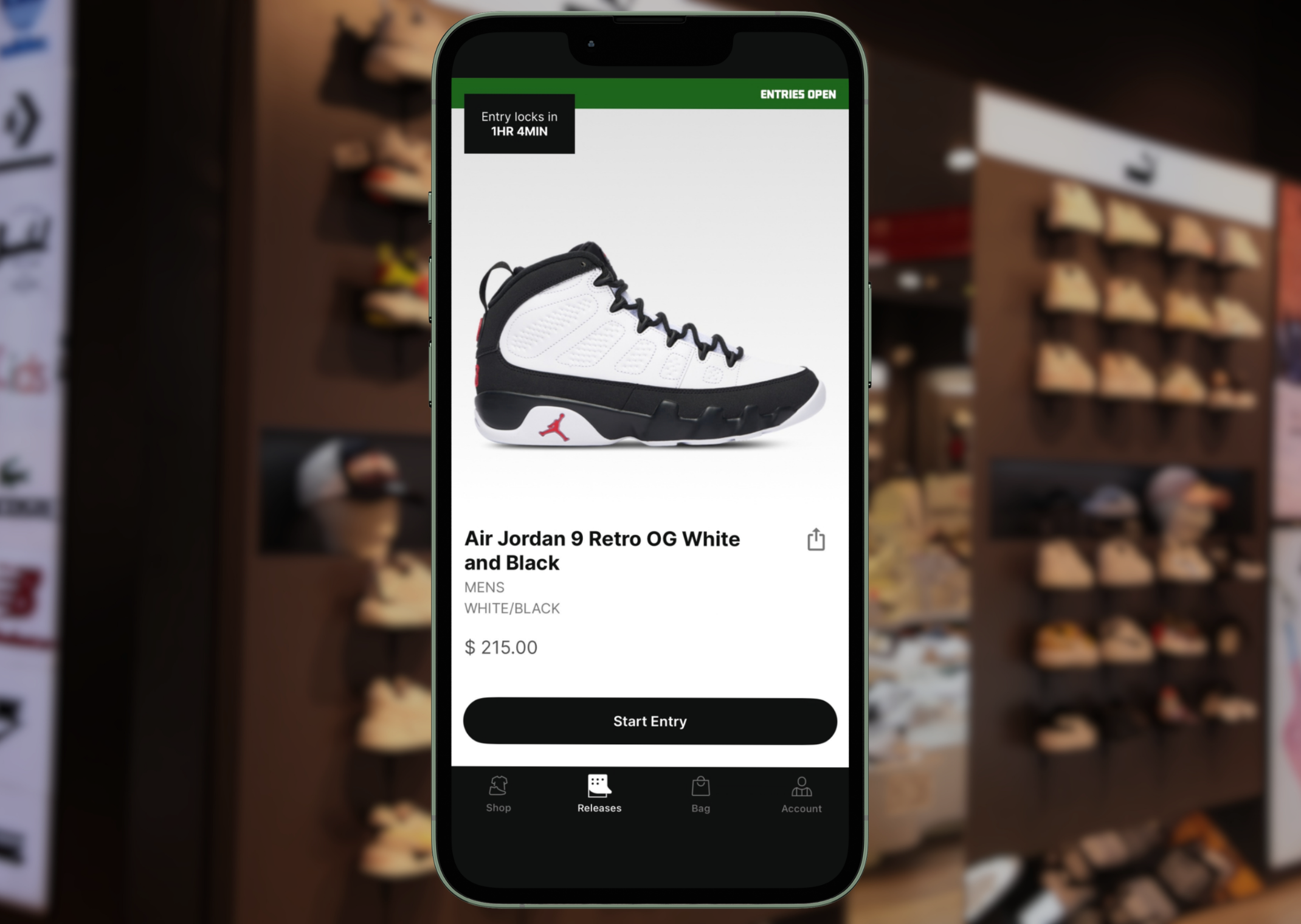
Foot Locker and Champs have a unique reservation system for their most limited sneaker launches, and to help you win more kicks, we put together a step-by-step guide. In order to get started, you’ll need to download the apps, create an account, and make reservations via each app’s "Releases" tab. It sounds easy, but if you want any real shot of securing a pair of sneakers, you’re going to have to earn points, or what Foot Locker and co. refer to as “Xtra Boosts”
What are Xtra Boosts?
Contrary to its name, an Xtra Boost is not a jump on everyone else to check out a pair of sneakers ahead of time, but rather a unit that incrementally increases your chances of winning a raffle. To put it simply, it's like having extra lottery tickets. More boosts do not always mean more W’s, but it does increase the probability of securing an in-store reservation.
How to earn Xtra Boosts
1. Join Rewards Programs
You need to have an account with Foot Locker in order to gain Xtra Boosts. Here are the links to sign up if you have not already done so:
- Foot Lockers’ Reward Program - FLX (sign up here)
- Champs’ Reward Program - FLX (sign up here)
2. Buy Things
In order to earn Xtra Boosts, you must purchase products at Foot Locker and Champs. Both retailers use the same FLX Rewards program, but they are tracked separately. A purchase through Foot Locker will only add FLX points to your Foot Locker account, and the same goes for Champs Sports.

Sole Retriever is the leading source for all things sneakers. Tap in for the latest and greatest news.